
You did everything right. You saved Rands on development costs, found a stunning theme on a reputable marketplace for R800, and clicked ‘Install.’ You envisioned a beautiful, functional website—a digital dorp (town) for your business in South Africa! However, the moment you started clicking around, the layout refused to change. You can edit the text, sure, but moving the hero section? Re-arranging the columns? Fuggedaboutit. You’ve run straight into the infamous WordPress Theme Layout Problem, and suddenly, that R800 theme feels like the most expensive mistake you’ve ever made.
This frustration is not a sign of failure; it’s a sign of a mismatch between expectation and technical reality. Consequently, understanding why your layout is locked down is the first step toward fixing it—or, better yet, hiring an expert. This comprehensive guide, brought to you by the development strategists at Z Web&Co, breaks down the five biggest culprits behind the stubborn WordPress Theme Layout Problem and shows you how to finally build the website you truly need.
🧱 Culprit 1: The Page Builder Prison (The Most Common WordPress Theme Layout Problem)
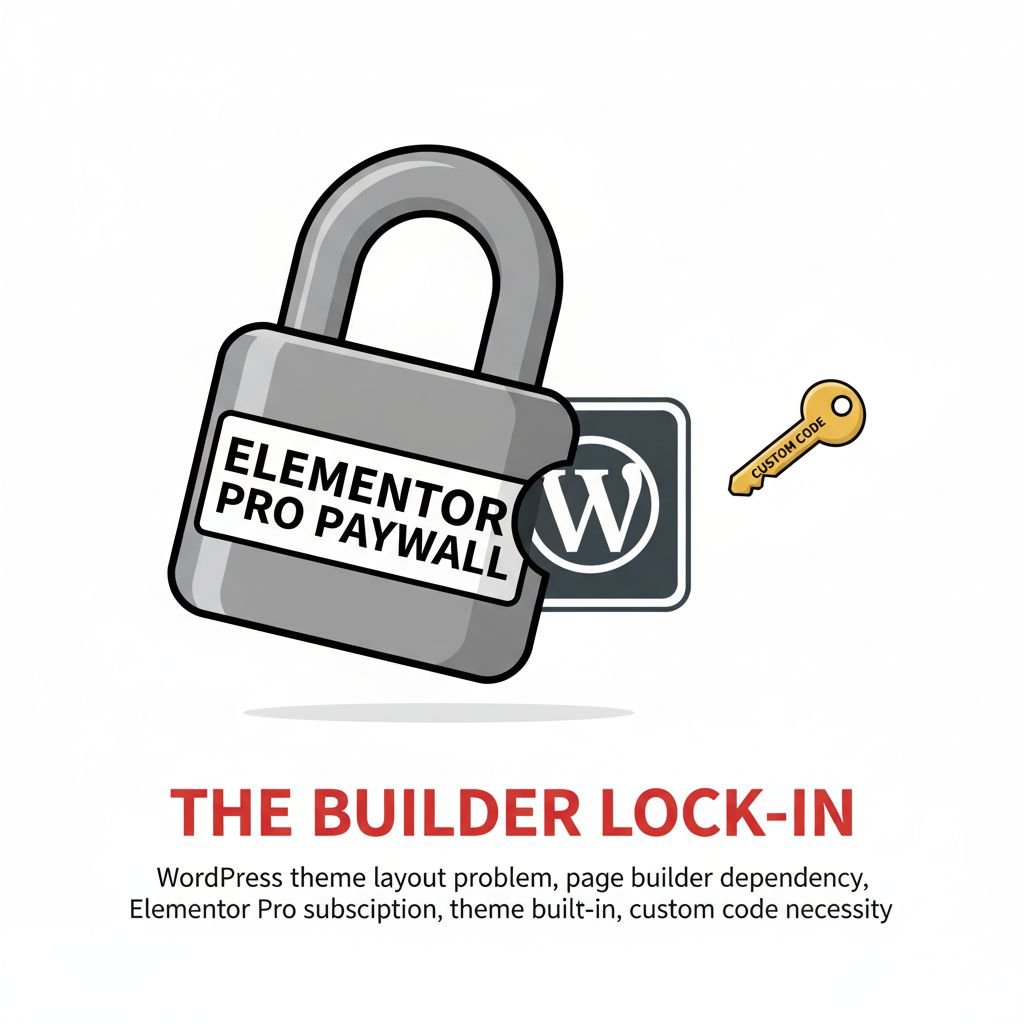
Many premium themes are sold pre-packaged with a specific third-party page builder (like Elementor, Visual Composer, or Divi). This tool is what makes the demo look so spectacular, but it also creates the first, deepest layer of the WordPress Theme Layout Problem.
The Builder Bind:
- Builder Lock-In: The entire structure of the demo site is dependent on that specific builder’s code. If you try to remove the builder, the whole page collapses into a mess of shortcodes.
- The Unpaid Builder: The theme purchase often only includes a basic or limited version of the page builder. To get the advanced modules and layout controls you need, you have to pay the builder’s separate annual subscription, adding another unplanned Website Security Monthly Cost (and another item on your long-term budget).
- Code Bloat: Page builders rely on massive amounts of custom code and CSS, which can significantly slow down your website, leading to poor user experience, particularly on South African mobile networks.
The Fix: Understand the Dependency
The solution isn’t fighting the builder; it’s understanding that the theme and the builder are inseparable. You either commit to the builder’s annual fee and learning curve, or you accept that the layout is fundamentally locked unless you have a professional developer customize the theme files themselves.
🧱 Culprit 2: The Template Overkill (The Non-Editable Section of the WordPress Theme Layout Problem)
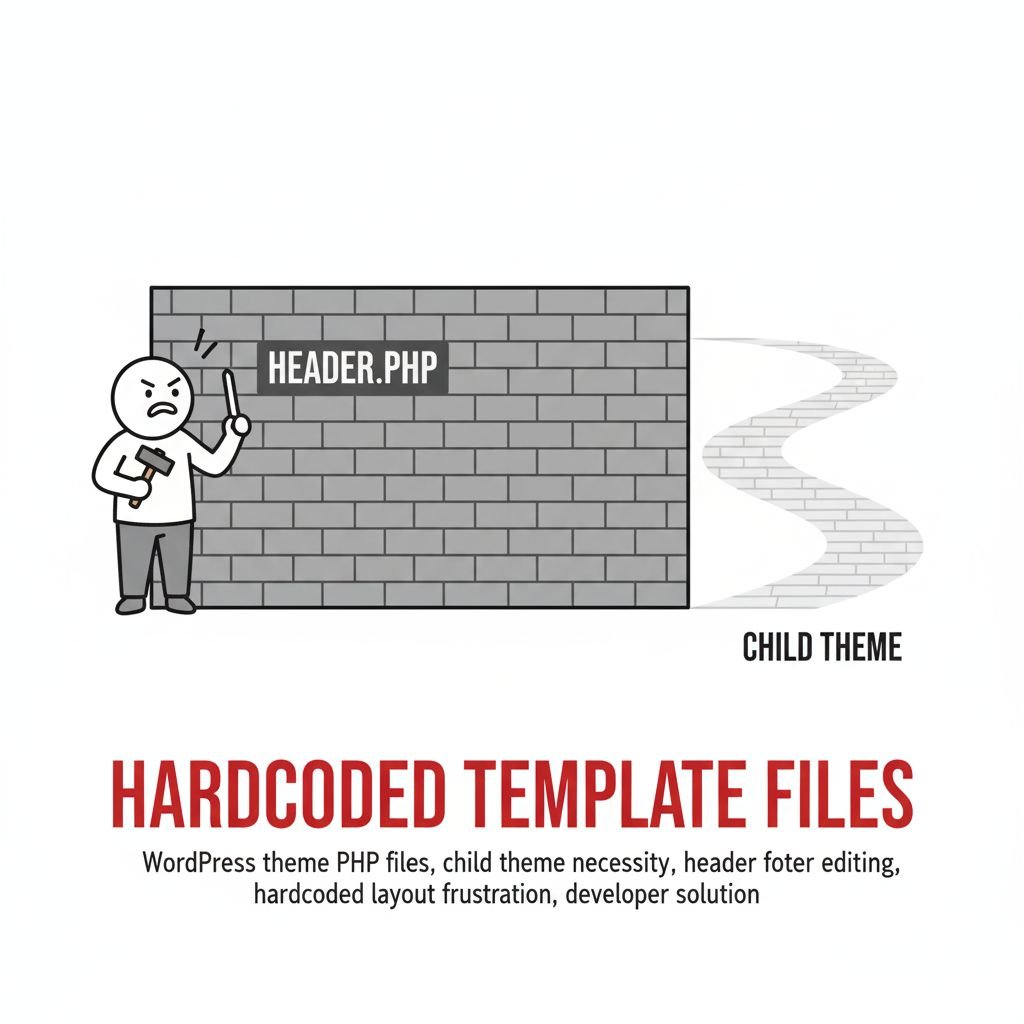
You are trying to change a section—maybe the header, the footer, or the navigation menu—and the editor won’t let you click it. This is usually because the section isn’t actually a “page element”; it’s a fixed part of the theme’s core template file.
The Template Troubles:
- Hardcoded Sections: Crucial areas like headers, footers, sidebars, and blog post templates are often hardcoded into the theme’s PHP files (
header.php,footer.php). These sections are untouchable by the basic visual editor or even the page builder. - Widget Areas Only: The theme may only offer a widget area in the sidebar. You can add a text box or a gallery within the widget area, but you can’t resize the sidebar or move it to the other side of the page.
- Full Site Editing (FSE) Confusion: Newer WordPress themes use FSE, which should allow full control. However, if the theme developer hasn’t exposed the right global settings, even FSE themes can feel strangely restrictive.
The Fix: The Child Theme Necessity
If you want to edit a hardcoded layout area, you need to use a Child Theme and manually edit the PHP/CSS files. In short, this is a job for a professional developer who understands code. Trying to edit the parent theme directly risks breaking the site entirely, making this one of the riskiest WordPress Theme Layout Problem areas for a DIY owner.
🎨 Culprit 3: The CSS Overrule (The Styling Snag of the WordPress Theme Layout Problem)
CSS (Cascading Style Sheets) controls how everything looks—colour, font, and crucially, spacing and position. When you try to change the spacing between two elements, and nothing happens, the CSS is likely locked in a digital battle.
The Styling Snarl:
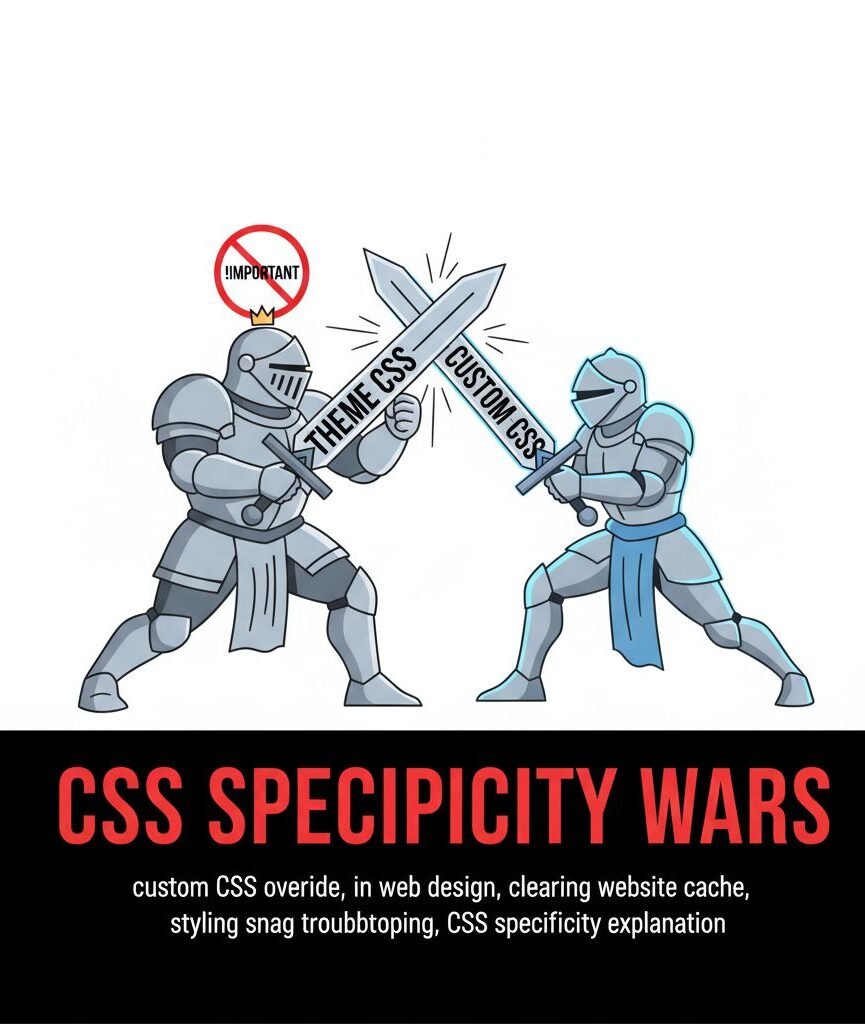
- Specificity Wars: Themes use very specific CSS rules to ensure their demo looks perfect. If you try to override a rule (e.g., set a new margin in the Customizer), the theme’s more specific, pre-written rule wins the war, and your changes are ignored.
- !Important Abuses: Developers sometimes use the notorious
!importanttag in their CSS to force a style, making it incredibly difficult for the user to override the theme’s design without adding their own, more powerful!importanttags. - Caching Clash: You make a CSS change, but the site still looks the same. This often isn’t the WordPress Theme Layout Problem; it’s a caching problem where your browser or the server’s cache is showing you the old version of the site, convincing you that your changes failed.
The Fix: Custom CSS and Clearing Cache
The immediate fix is to clear all caching (browser, plugin, and server). The long-term fix for any WordPress Theme Layout Problem involving styling is to write Custom CSS that is specifically designed to override the theme’s original rules, a task requiring professional expertise.
📜 Culprit 4: The Demo Content Deception (The Content Confusion of the WordPress Theme Layout Problem)
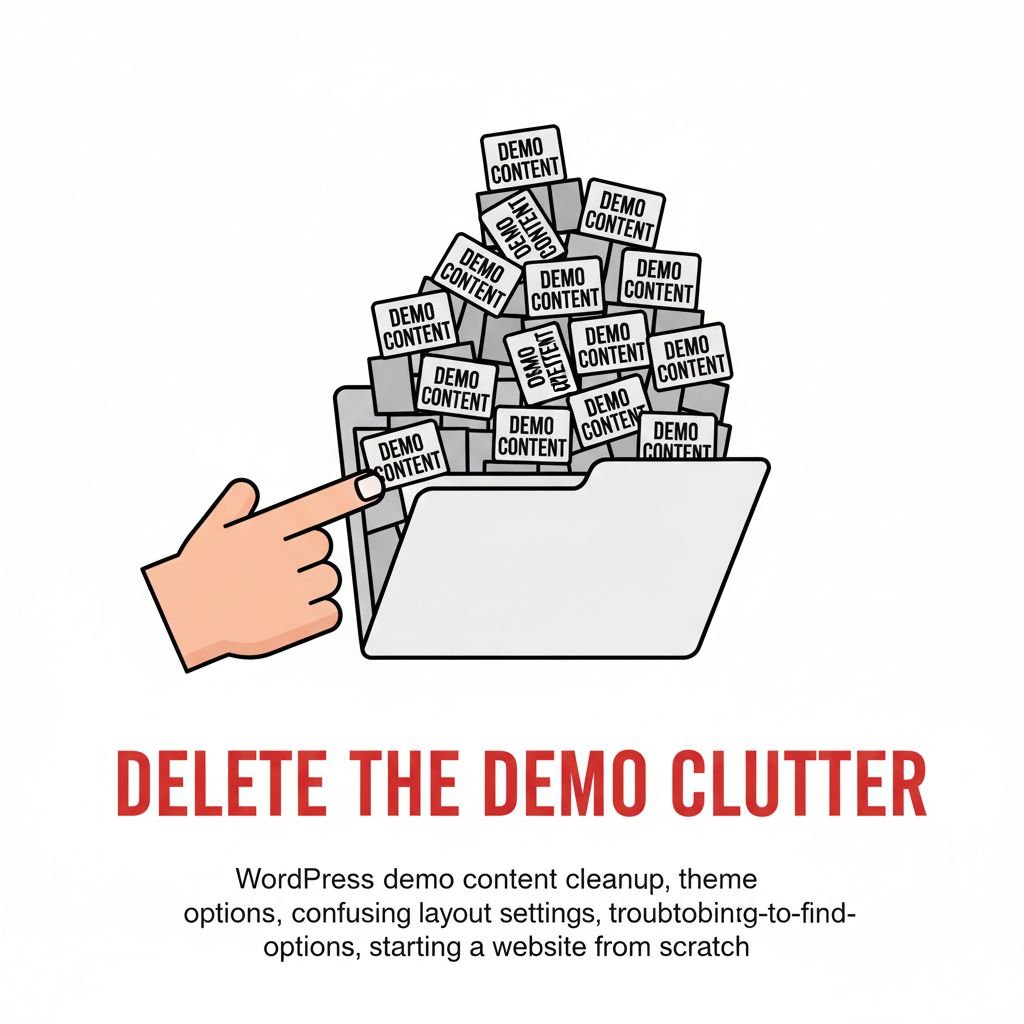
When you installed the theme, you were likely given an option to install the “Demo Content.” This looks great, but it often creates a confusing maze of pre-built pages that you don’t actually need or understand.
The Content Conundrum:
- Premade Modules: The developer created the beautiful homepage using a specific combination of page builder modules, shortcodes, and even custom PHP code that links to specific plugins. If you try to start a new page from scratch, those modules are missing.
- Hard-to-Find Settings: Essential settings that control the page width, sidebar position, or main content area may be hidden deep within a proprietary Theme Options panel, separate from the standard WordPress Customizer.
- The Mismatch: You try to insert your own content, and suddenly the beautiful spacing and typography are ruined because your content doesn’t perfectly match the developer’s original demo text and image dimensions.
The Fix: Start Clean, Consult a Pro
If you are facing the WordPress Theme Layout Problem due to excessive demo content, the best solution is often to delete the demo pages and build your main pages using the builder from a blank template. Furthermore, consult the theme’s documentation, which usually explains where the “hidden” layout settings are buried.
🧭 Culprit 5: The E-commerce Entanglement (The WooCommerce Woe of the WordPress Theme Layout Problem)
If your website is an e-commerce store, the complexity of the WordPress Theme Layout Problem increases tenfold. E-commerce pages (Shop, Product, Cart, Checkout) are controlled by the WooCommerce plugin, not the theme itself.
The E-commerce Escalation:
- WooCommerce Templates: Woo uses its own set of template files. If the theme developer hasn’t specifically designed and styled these Woo templates, your shop pages will look bare, broken, or simply ugly.
- Checkout Flow Lock: The checkout page is deliberately simple and highly sensitive for legal and security reasons. Trying to rearrange the checkout fields or adding a sidebar risks breaking the entire payment flow.
- Plugin Interdependency: Custom fields, tax calculators, or shipping modules (especially crucial for local South African rates) require specific coding. If the theme is not built to support these local plugins, your functionality breaks.
The Fix: Theme-WooCommerce Compatibility
You must use a theme explicitly designed and advertised as “WooCommerce Ready.” Therefore, avoid cheap themes that simply claim compatibility. A professional developer ensures proper Woo template overrides are used, providing a professional look without breaking the crucial checkout functionality.
🤝 The Z Web&Co Solution: Unlock Your Theme, Unlock Your Potential
The WordPress Theme Layout Problem is the most common reason business owners abandon their DIY website projects. The hours spent fighting code are hours taken away from generating leads, networking, and serving customers. Don’t let technical frustration keep your business stuck in a poorly designed template. To bypass the DIY frustration and achieve a flawless, custom digital asset, begin your expert website design Durban project today.
Z Web&Co specializes in taking over these DIY disasters. We don’t just troubleshoot; we provide the professional development necessary to unlock the full potential of your site:
- Code Clean-Up: We eliminate the code bloat, fix conflicts, and implement child themes for safe, professional customization.
- Layout Liberation: We use Custom CSS and deep template overrides to give you the precise look and feel you originally envisioned.
- Strategic Focus: We build the layout with conversion in mind, not just aesthetics, ensuring every change results in more sales and leads for your business.
Don’t let the WordPress Theme Layout Problem cost you more time and Rands. Contact the experts who speak code and can finally deliver the website your business deserves.
- Website: www.zwebandco.com
- Email: zwebandco@gmail.com
- WhatsApp/Call: 061 504 7939
🇿🇦 Local Context: Why DIY Fails Harder in SA
The WordPress Theme Layout Problem is compounded in South Africa because local shipping, payment gateways (like PayFast and Instant EFT), and even simple mobile display must be perfect. An international theme is rarely built to accommodate these local needs, forcing the DIY user to struggle with custom coding just to make the site compliant and usable in Mzansi.
🛠️ Technical Deep Dive: The Functions.php Backdoor
For those who lose the login, the functions.php file is one place a developer can add a temporary code snippet to create a new admin user account. This is a powerful backdoor, but it highlights why having access to the core theme files is crucial for any Website Password Recovery Guide (and is why Z Web&Co ensures clients always have this access).
🔑 The Golden Rule: Child Themes
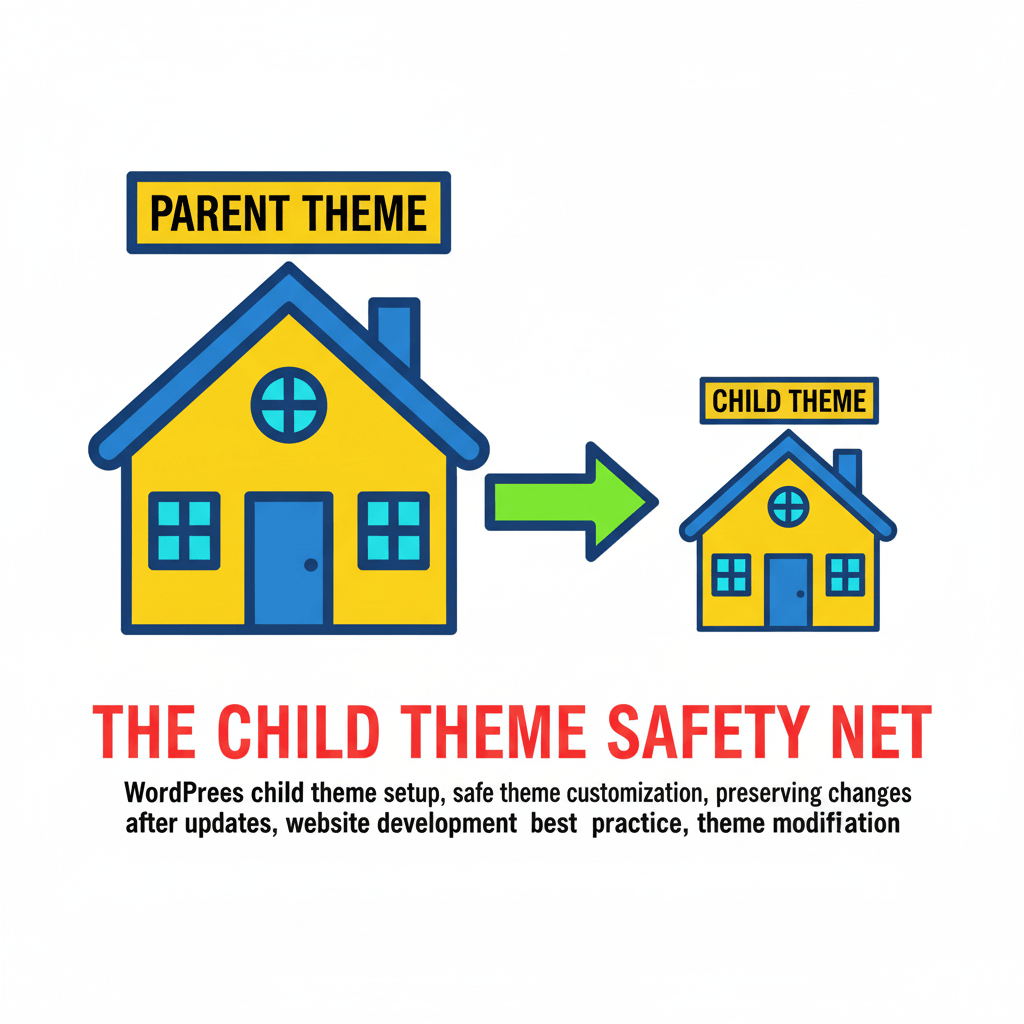
A Child Theme is essentially a safe house for your customizations. It allows you to make changes to the layout or CSS without ever touching the parent theme. If the parent theme updates, your customizations in the child theme remain intact.
🎬 A Video Break: STOP Wasting Money on Bad Themes!
This video offers practical, non-promotional reasons why spending Rands on certain themes leads directly to the kind of frustration described in the WordPress Theme Layout Problem.
🚀 Conclusion: Stop Fighting, Start Winning
The WordPress Theme Layout Problem is the digital equivalent of trying to build a custom kitchen with only pre-fabricated cabinets. You can try to fight it with YouTube tutorials, but you’ll lose time, motivation, and Rands.
The simplest, fastest solution is to stop the DIY headache and call the professionals. Z Web&Co turns theme frustration into focused conversion. Let us unlock your layout so you can focus on running your business.
Leave a Reply