
Setting Up Payment Gateways for your online store in South Africa isn’t just a technical step; it’s the beating heart of your e-commerce business. Imagine having the coolest products, the slickest website, and the most irresistible marketing, only for your customers to abandon their carts because they can’t pay easily or securely. Consequently, without a seamless and trustworthy payment system, your online dream remains just that – a dream. In Mzansi, this means understanding local nuances, from EFTs to mobile payment options, to truly unlock your store’s potential.
Therefore, this guide is your comprehensive, fun, and highly engaging manual on setting up payment gateways specifically for the South African market. We’ll demystify the tech jargon, highlight local favorites, and ensure your online store is ready to accept Rands smoothly and securely. Get ready to transform your checkout process from a hurdle into a delightful click-and-buy experience!
Phase 1: The Foundation – Why Setting Up Payment Gateways is Crucial for Mzansi Success 💡
Before we dive into the “how,” let’s cement the “why.” Understanding the critical role of your payment system sets the stage for making informed decisions.
1.1 Beyond the Transaction: Why Setting Up Payment Gateways Matters
A payment gateway isn’t just a digital cash register. It’s a complex system that encrypts sensitive customer data, securely transmits it to banks, and ensures funds are transferred to your account. For customers in South Africa, trust and convenience are paramount.
Consider these critical aspects:
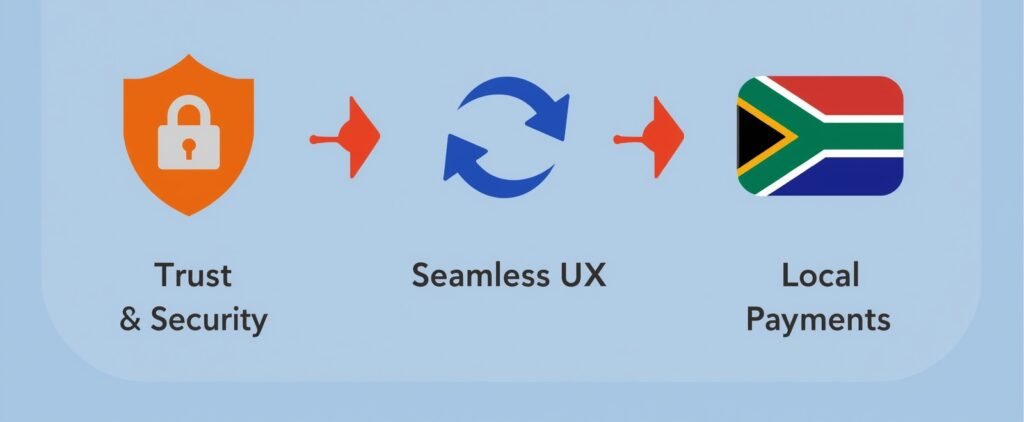
- Trust & Security: South African consumers are increasingly aware of online fraud. A reputable payment gateway signals trustworthiness, encrypting card details and protecting personal information. This builds confidence, leading to more completed sales.
- User Experience (UX): A clunky, slow, or confusing checkout process is the number one reason for abandoned carts. A smooth gateway integrates seamlessly, offers familiar payment methods, and completes transactions in seconds.
- Local Payment Preferences: What works in the USA might not fly in Cape Town. Many South Africans prefer Instant EFT (Electronic Funds Transfer) over credit cards, or even mobile wallets. Your choice of gateway must cater to these local habits.
- Business Growth: A good gateway offers detailed reporting, helps manage refunds, and can scale with your business as you grow from a small startup to a national powerhouse.
Furthermore, getting this wrong can lead to missed sales, frustrated customers, and a damaged brand reputation. Getting it right, however, can significantly boost your conversion rates and build a loyal customer base.
Phase 2: Decoding the Options – Understanding South African Payment Gateways for Setting Up Payment Gateways 💳
South Africa boasts a robust and evolving fintech landscape. Knowing your options is the first step in making the best choice for your online store.
2.1 The Big Players: Popular Choices for Setting Up Payment Gateways in South Africa
While international giants like PayPal are available, local payment gateways often offer better rates, dedicated local support, and crucial local payment methods.
Here are some of the leading contenders:
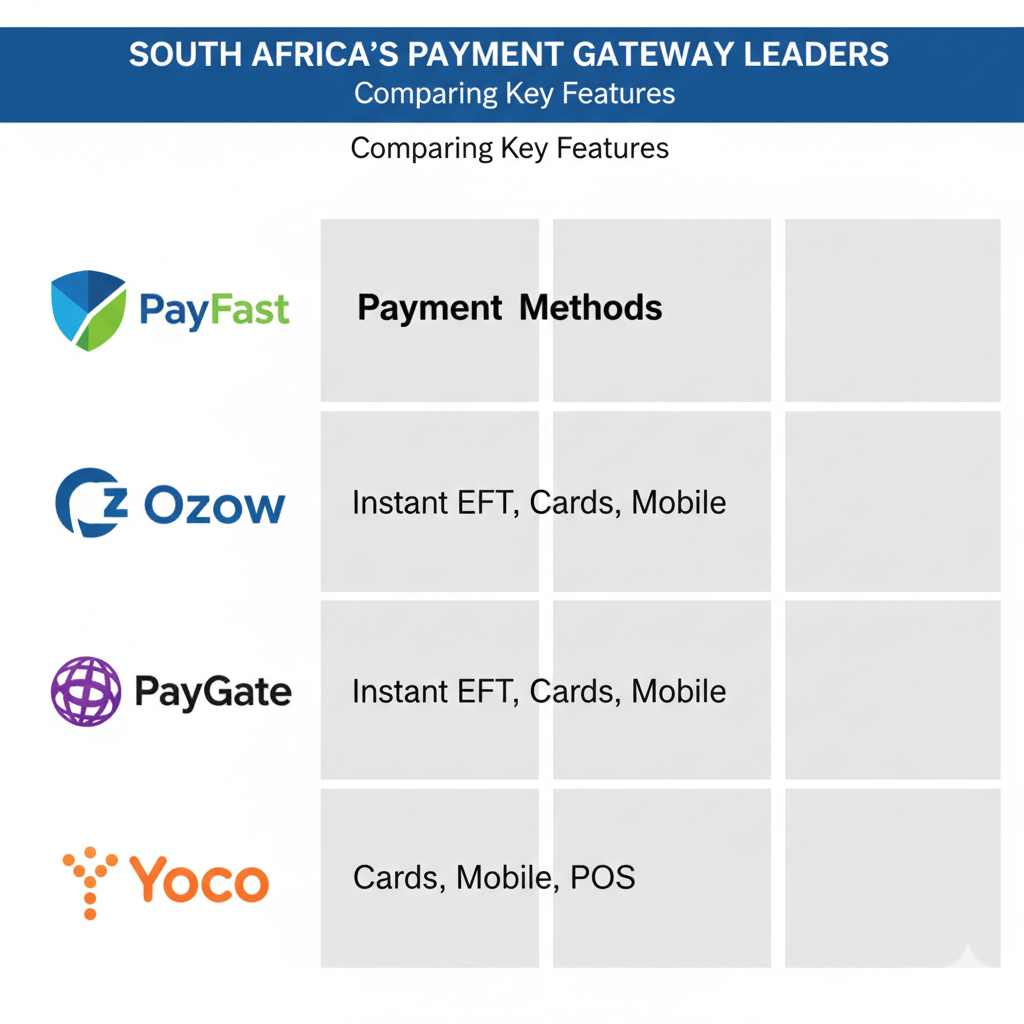
- PayFast: Arguably the most popular and versatile local gateway. PayFast offers a comprehensive suite of payment options including Credit/Debit Cards (Visa, MasterCard), Instant EFT (via Ozow, PayGate, SID), Masterpass, Zapper, SnapScan, and Mobicred (for credit). Their integration is generally straightforward.
- Ozow (formerly i-Pay): Specialises in Instant EFT, allowing customers to pay directly from their bank account with instant confirmation. This is a massive draw for South African consumers who are often wary of credit card fraud or prefer to use funds directly from their bank.
- PayGate: Another established player, offering a wide range of card processing and EFT options. They are known for their robust security features and catering to businesses of all sizes.
- Yoco: While primarily known for its POS (Point of Sale) devices, Yoco also offers an online payment gateway solution, making it a good choice if you operate both online and in-person sales.
- Peach Payments: Focuses on seamless integration and providing a secure payment experience for both merchants and customers, offering cards, Instant EFT, and mobile options.
Consequently, when considering each option, don’t just look at transaction fees. Investigate their integration capabilities with your e-commerce platform, their fraud detection tools, and the quality of their local customer support.
2.2 Payment Methods Your Mzansi Customers Expect When Setting Up Payment Gateways
To truly optimise your conversion rates, you must offer the payment methods your target customers prefer.
Key payment methods in South Africa include:
- Credit/Debit Cards (Visa & MasterCard): The global standard, still widely used. Ensure your gateway supports 3D Secure for enhanced security.
- Instant EFT: This is non-negotiable for the South African market. Services like Ozow and PayFast’s Instant EFT allow customers to pay directly from their bank accounts (ABSA, FNB, Nedbank, Standard Bank, Capitec, etc.) with immediate payment confirmation. This bypasses the need for manual proof of payment and speeds up order fulfilment.
- Mobile Wallets (Zapper, SnapScan, Masterpass): Increasingly popular, especially for smaller transactions or for customers on the go. Integrating these can tap into a growing mobile-first demographic.
- BNPL (Buy Now Pay Later) Options (e.g., Mobicred, Payflex): Offering credit facilities allows customers to spread payments, significantly boosting conversion rates for higher-value items. This can be a game-changer for businesses selling electronics, furniture, or fashion.
Therefore, your gateway choice should ideally offer a blend of these options to cast the widest net for your diverse customer base.
Phase 3: The Integration – Setting Up Payment Gateways with Your E-commerce Platform 💻
This is where the rubber meets the digital road. Connecting your chosen gateway to your online store can be straightforward if you’re on a popular platform.
3.1 Seamlessly Setting Up Payment Gateways on Popular Platforms
Most modern e-commerce platforms offer direct integrations or easy-to-install plugins for leading payment gateways.
Here’s how it generally works for common platforms:
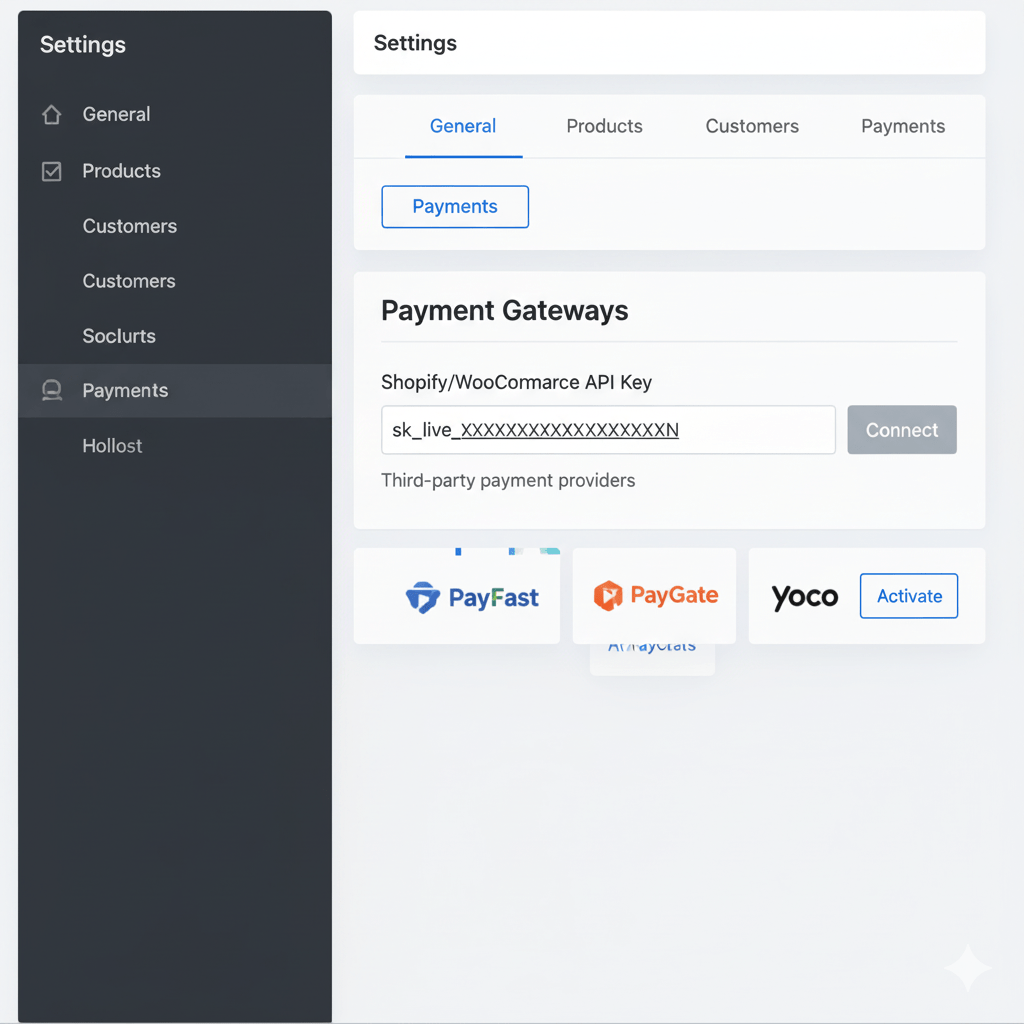
- Shopify: Shopify has native integrations with many South African gateways (PayFast, Ozow, Peach Payments) via their app store. You typically install the app, enter your API keys (provided by the gateway after registration), and configure the settings within your Shopify admin.
- WooCommerce (WordPress): WooCommerce is highly customisable. You’ll install a plugin (e.g., “PayFast for WooCommerce” or “Ozow for WooCommerce”), activate it, and then enter your API credentials from the gateway’s dashboard.
- Wix/Squarespace: These platforms often have a more limited selection but will usually support major gateways like PayFast or PayPal directly through their payment settings.
Crucially, always follow the specific integration guide provided by both your chosen payment gateway and your e-commerce platform. They will have step-by-step instructions.
3.2 Testing, Testing, 1, 2, 3: Ensuring Smooth Transactions After Setting Up Payment Gateways
Never skip the testing phase! This is vital to prevent lost sales and headaches down the line.
What to checklist during testing:
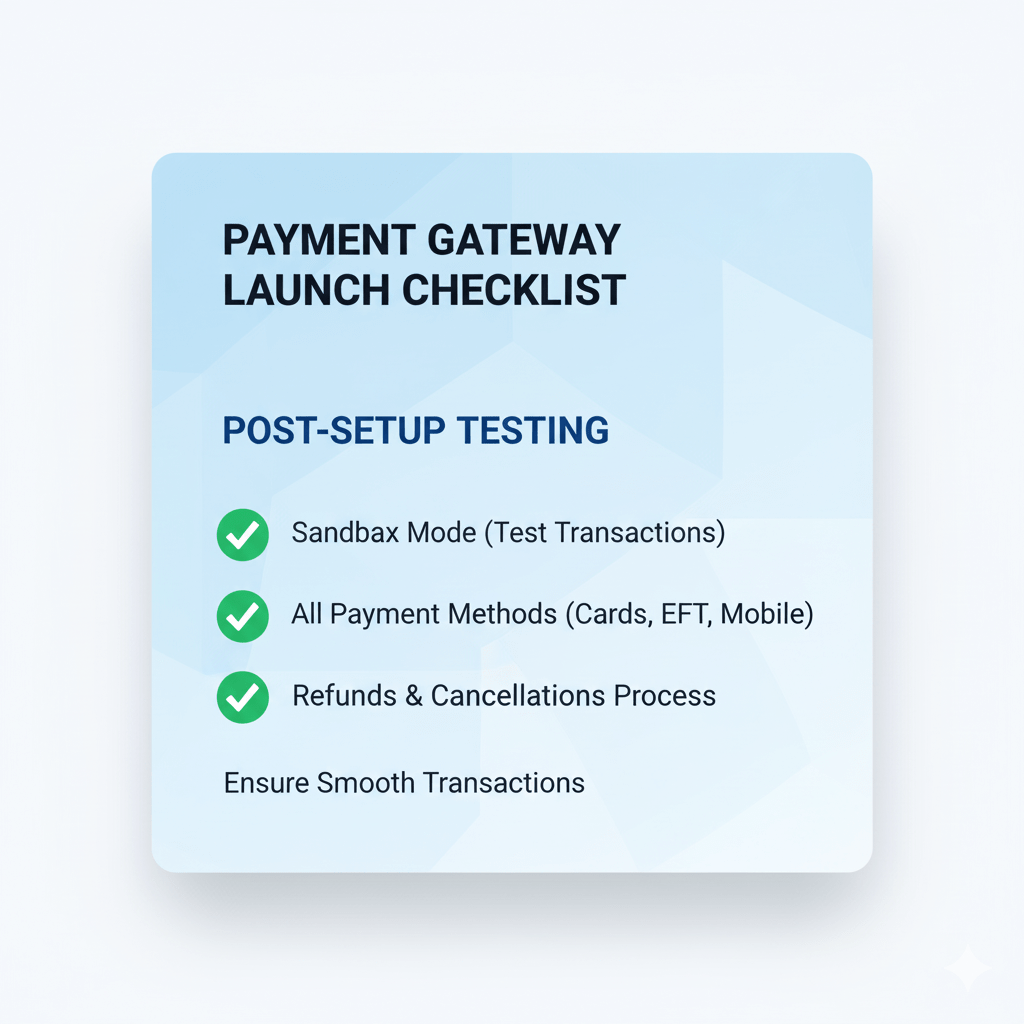
- Sandbox/Test Mode: Most gateways offer a “sandbox” or “test” mode. Use this to perform mock transactions without real money.
- Different Payment Methods: Test every single payment method you intend to offer (Credit Card, Instant EFT, Zapper, Mobicred).
- Full Transaction Flow: Go through the entire customer journey: Add to cart, checkout, payment, order confirmation, and check your merchant dashboard to confirm the payment was received.
- Refunds & Cancellations: Test how to process a refund from your side. This is crucial for customer service.
- Error Handling: What happens if a payment fails? Does your website show a clear error message and guide the customer on what to do next?
Furthermore, use different devices (desktop, smartphone, tablet) and different browsers (Chrome, Firefox, Safari) to ensure a consistent experience. This meticulous testing guarantees that once you go live, your customers will have a seamless and secure checkout.
Phase 4: The Nitty-Gritty – Fees, Security & Compliance When Setting Up Payment Gateways 💰
While the “fun” part is getting paid, the “serious” part is ensuring you understand the costs, legalities, and security measures involved.
4.1 Unpacking Transaction Fees: The Real Cost of Setting Up Payment Gateways
Payment gateways charge fees, and these can significantly impact your profit margins if not understood.
Common fee structures include:
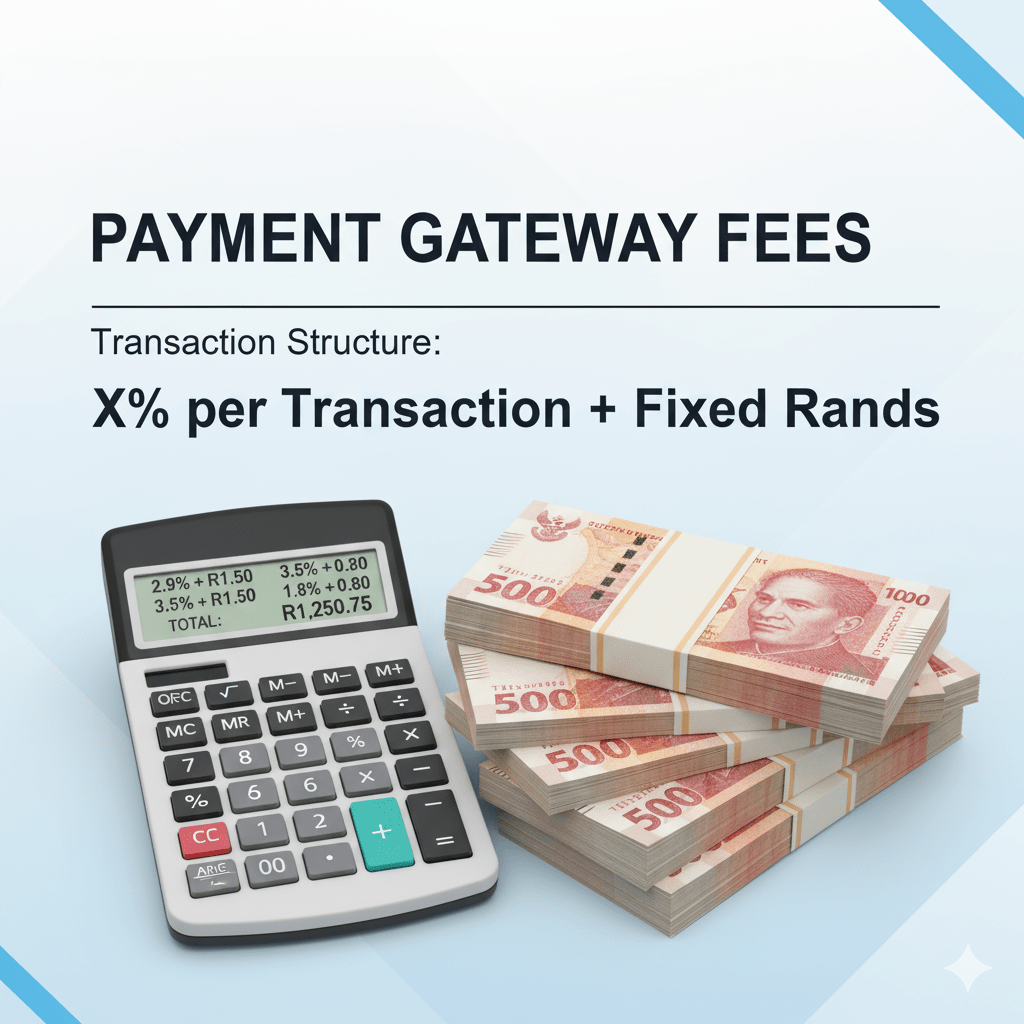
- Per-Transaction Fee: A percentage of the transaction value (e.g., 2.9% + R2.00 per transaction). These usually decrease with higher monthly volumes.
- Monthly Fee: Some gateways charge a fixed monthly fee, especially for premium features or higher volumes.
- Settlement Fees: Fees for transferring funds from the gateway to your bank account.
- Refund/Chargeback Fees: Penalties for processing refunds or when a customer disputes a transaction.
Consequently, always read the fine print and compare the total cost across different providers based on your projected sales volume and average transaction value. For instance, if your average order value is R100, a R2.00 fixed fee is 2% of the transaction, which is substantial. If it’s R1000, it’s only 0.2%. This shows how crucial understanding your average basket size is for setting up payment gateways.
4.2 Security First: Protecting Your Customers (and Yourself) When Setting Up Payment Gateways
Online security is non-negotiable. It protects your customers from fraud and your business from legal repercussions and reputational damage.
Key security measures for setting up payment gateways:
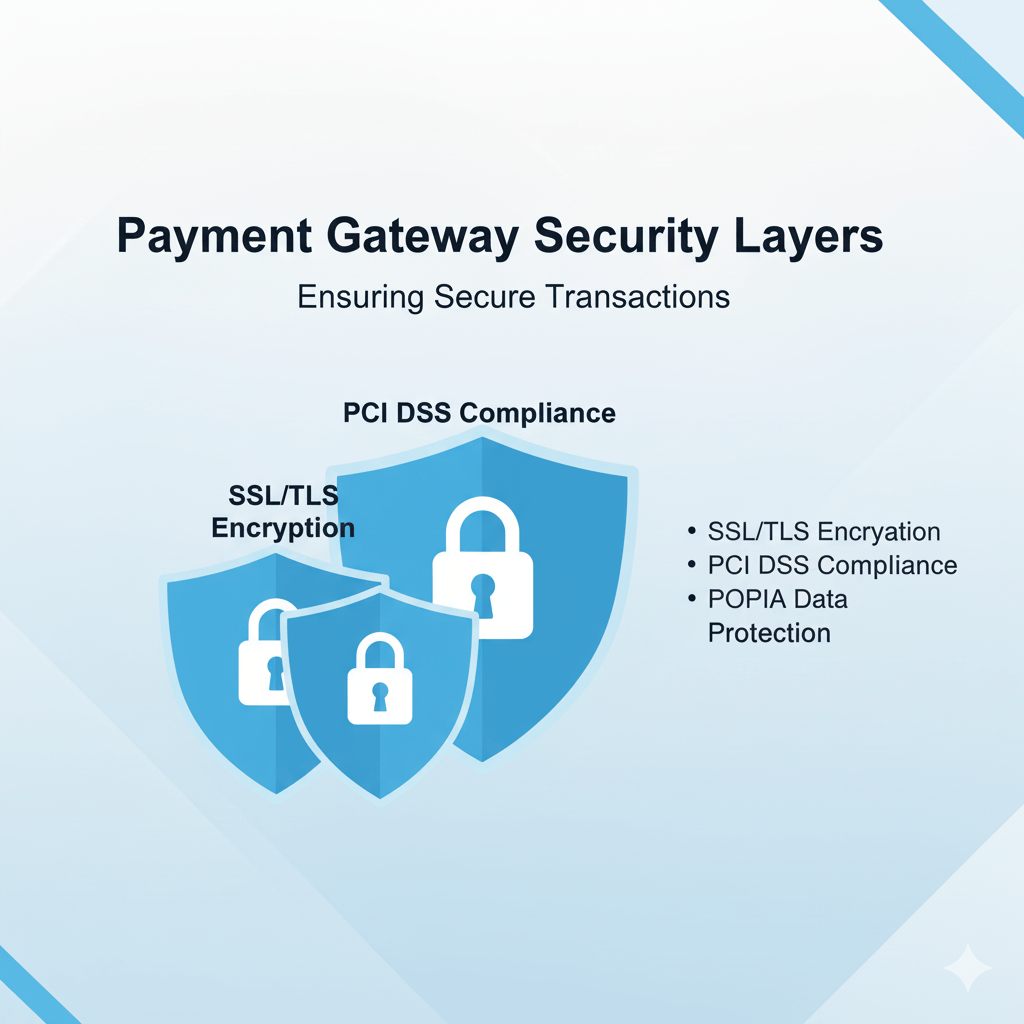
- SSL Certificate: Ensure your entire website is secured with an SSL (Secure Sockets Layer) certificate, indicated by “https://” in your URL and a padlock icon. This encrypts all data transmitted between your customer’s browser and your server.
- PCI DSS Compliance: Your chosen payment gateway must be PCI DSS (Payment Card Industry Data Security Standard) compliant. This is a global standard for handling cardholder data. You, as the merchant, also have responsibilities, particularly if you handle card data directly (though most modern e-commerce setups rely on the gateway for this).
- 3D Secure: For credit card payments, 3D Secure (Verified by Visa, MasterCard SecureCode) adds an extra layer of authentication, protecting both you and the customer from fraudulent transactions.
- POPIA Compliance: In South Africa, the Protection of Personal Information Act (POPIA) is law. Your website’s privacy policy must clearly state how customer data (including payment information) is collected, stored, and processed, and your gateway must also be compliant.
Therefore, never compromise on security. It’s the bedrock of trust in e-commerce.
Phase 5: Optimising for Conversions – Advanced Tips for Setting Up Payment Gateways ✨
You’ve got your gateway set up, but how do you make it perform optimally? This phase is about fine-tuning your checkout for maximum sales.
5.1 Boosting Confidence & Reducing Friction When Setting Up Payment Gateways
Every extra click, every moment of doubt, can lead to an abandoned cart. Your goal is to make the checkout as smooth and reassuring as possible.
Tips for conversion optimisation:
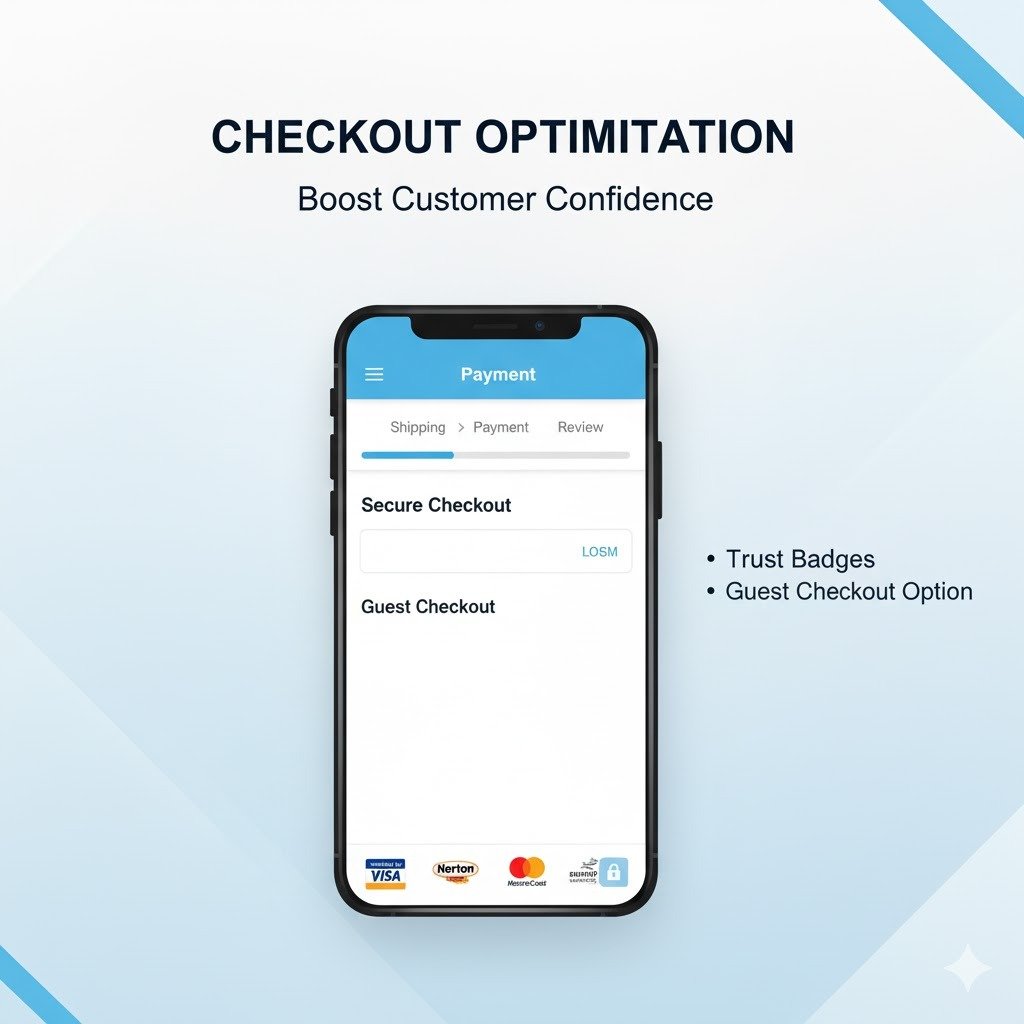
- Display Trust Badges: Show logos of the payment gateways you accept, security badges (SSL, PCI DSS), and customer testimonials prominently on your checkout page.
- Guest Checkout: Allow customers to purchase without creating an account. While accounts are great for marketing, forcing them can deter first-time buyers.
- Clear Progress Indicator: Show customers how many steps are left in the checkout process (e.g., “Step 2 of 4”).
- Mobile-First Design: Ensure your checkout page is perfectly responsive and easy to navigate on a smartphone. Most South African online traffic is mobile.
- Transparent Pricing: Display all costs (product, shipping, tax) clearly upfront, before the customer reaches the payment page. Hidden fees are a major turn-off.
Furthermore, a well-designed checkout minimizes questions and instils confidence, leading directly to higher conversion rates for your store after setting up payment gateways.
5.2 Localisation & Support: Fine-tuning After Setting Up Payment Gateways
Truly successful e-commerce is about understanding and serving your local audience.
Localisation considerations:
- Language: While English is widely understood, ensure any error messages or specific instructions are clear and unambiguous for diverse South African users.
- Dedicated Support: Ensure your payment gateway offers responsive local support. When something goes wrong with a transaction, you need quick help, not an international call center.
- Fraud Monitoring: Actively monitor for suspicious transactions. Gateways have tools, but your vigilance is also key. Look for unusual order sizes, multiple attempts with different cards, or shipping to high-risk areas.
Consequently, by focusing on these details, you not only improve customer satisfaction but also build a resilient and trustworthy online store that stands the test of time in the competitive Mzansi market.
Essential Tutorial: Optimising Your E-commerce Payments
To further deepen your understanding of optimising payments for your online store, watch this comprehensive tutorial: This video provides practical insights into payment gateway integration and optimization.
The Z Web&Co Advantage: Seamless Payments, Effortless Sales 🌐
Setting Up Payment Gateways can feel like a daunting technical hurdle. But it doesn’t have to be.
At Z Web&Co, we specialise in creating high-performing e-commerce stores tailored for the South African market. We handle all the complexities of payment gateway integration, ensuring your online store accepts payments securely and efficiently. From integrating local Instant EFT options to setting up BNPL services, we make sure your customers have every reason to complete their purchase.
Partner with Z Web&Co and turn your technical challenges into seamless sales opportunities. Focus on your products and customers; we’ll handle the perfect payment flow.
You can learn more about our services by searching for Z Web&Co on Google, or visit our website at www.zwebandco.com.
Ready to ensure your online store’s payment system is flawless? Call or WhatsApp us on 061 504 7939 or email us at zwebandco@gmail.com.
Conclusion: Master Your Money Flow with Expert Setting Up Payment Gateways
You’ve now armed yourself with the ultimate Mzansi money flow manual for setting up payment gateways. From understanding the core importance of a robust system to selecting the right local options, integrating them seamlessly, managing fees, and optimising for conversions – you have the blueprint.
Remember, a successful online store isn’t just about traffic; it’s about converting that traffic into paying customers. And that journey always goes through a well-designed, secure, and customer-friendly payment gateway. Go forth, Mzansi entrepreneur, and make those sales roll in!
Leave a Reply