
Ah, the spinning wheel of death. That tiny, agonizing digital clock that turns every click into a test of patience, especially when you’re browsing on mobile data. In South Africa, a slow-loading website isn’t just an inconvenience; it’s a financial drain. It kills conversions, ruins credibility, and makes your customers feel like their Rands—and their time—are being wasted. However, the good news is that the biggest culprits behind a sluggish site are often easy to fix. This is your essential Mobile Website Speed Fix guide.
We know that over 60% of South African web traffic is mobile. If your website fails on a phone, it fails for the majority of your market. Consequently, understanding the quick wins behind the Mobile Website Speed Fix is the fastest way to slash your bounce rate and boost sales. This comprehensive checklist, brought to you by the speed strategists at Z Web&Co, dives into the three catastrophic issues that plague mobile performance and gives you the exact blueprint for going from slow to sonic.
🖼️ Fix 1: Image Compression & Lazy Loading (The Quickest Mobile Website Speed Fix)
The single biggest data hog on any website is unoptimized images. Developers often forget that a stunning high-resolution photo designed for a 27-inch monitor is an absolute bandwidth killer when downloaded onto a small smartphone over a fluctuating mobile network.
The Image Disaster:
- Massive File Sizes: A typical high-resolution image might be 3 Megabytes (MB). Loading ten such images means a 30MB download—an eternity on slow 3G, and a huge chunk of a prepaid data bundle. This is the primary cause of a slow mobile experience.
- Loading the Invisible: Your website loads every image on the page, even those far down in the footer that the user hasn’t scrolled to yet. This unnecessary pre-loading wastes time and bandwidth, which is particularly unforgivable on mobile.
- Wrong Format: Using outdated file formats like uncompressed PNGs for photos (instead of modern, efficient JPEGs or WebP) adds unnecessary bulk to your site’s files.
The Blueprint: Compress, Convert, Defer
The most effective Mobile Website Speed Fix starts with aggressive image optimization. Firstly, every image must be compressed without losing visual quality (aim for under 100 kilobytes). Secondly, convert images to next-gen formats like WebP. Thirdly, implement Lazy Loading—a technique where images only load right before they enter the user’s viewport. This saves 50% or more of the initial load time.

💻 Fix 2: Critical CSS and Minification (The Code Bloat Mobile Website Speed Fix)
When your browser loads a webpage, it first needs to know how to style everything (CSS) and function (JavaScript). If the files containing this code are enormous, the browser waits, creating that agonizing white screen or “spinning wheel.”
The Code Congestion:
- Minification Failure: Developers often leave code “un-minified”—meaning it contains unnecessary characters, spaces, and line breaks used for human readability. This redundant data adds weight to files that must be downloaded on every visit.
- Render-Blocking CSS: Sometimes, the browser loads a massive style file containing code for the entire website (like the corporate page, blog, and e-commerce shop) even though the user is only visiting the homepage. This “render-blocking” halts the display of content.
- Plugin Overload: Every new plugin adds CSS and JavaScript. Too many active plugins create a massive technical debt, slowing down the site because the browser must process hundreds of unnecessary files.
The Blueprint: Shrink, Inline, Defer
The professional Mobile Website Speed Fix involves three steps: Minify all HTML, CSS, and JavaScript files to strip unnecessary data. Inline the critical CSS (the styling needed to display the immediate top section of the page) so it loads instantly. Defer all non-essential JavaScript (like chat widgets or complex analytics) until after the main content is visible.

🌐 Fix 3: Browser Caching and Local Hosting (The Server-Side Mobile Website Speed Fix)
The third core reason for mobile slowness is often invisible to the business owner: the hosting server and the user’s browser memory. If the server is slow or the user’s browser has to re-download the same files repeatedly, the experience suffers.
The Server Sins:
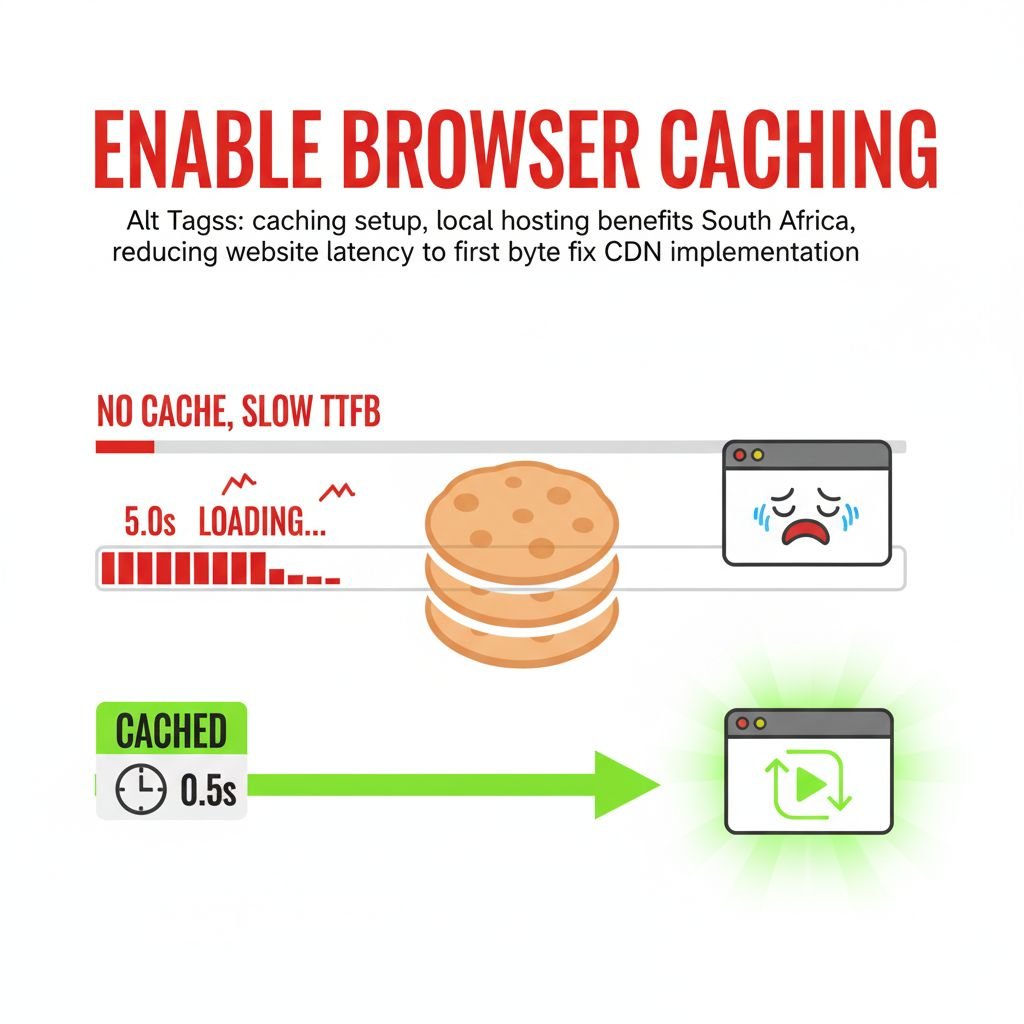
- No Caching: Every time a loyal customer returns to your site, their browser should remember static elements like your logo, footer CSS, and basic theme files. If caching is disabled or misconfigured, the browser has to download those same large files again, which is a massive time-waster.
- Foreign Hosting: Hosting your website on a server outside of South Africa forces the data to travel huge physical distances (latency), which significantly increases load time on mobile devices. Furthermore, cheap shared hosting often throttles bandwidth, leading to peak-time slowness.
- Slow Time to First Byte (TTFB): This technical metric measures the time it takes for the browser to receive the first byte of data from the server. A high TTFB (over 600 milliseconds) often indicates an overloaded database or slow back-end code, a major issue demanding professional intervention.
The Blueprint: Go Local, Go Cache
The long-term Mobile Website Speed Fix involves migrating to high-performance, local South African hosting and enabling robust Browser Caching rules. Using a Content Delivery Network (CDN) also stores copies of your site’s static files on local servers (Points of Presence) close to your users, virtually eliminating distance-related latency.
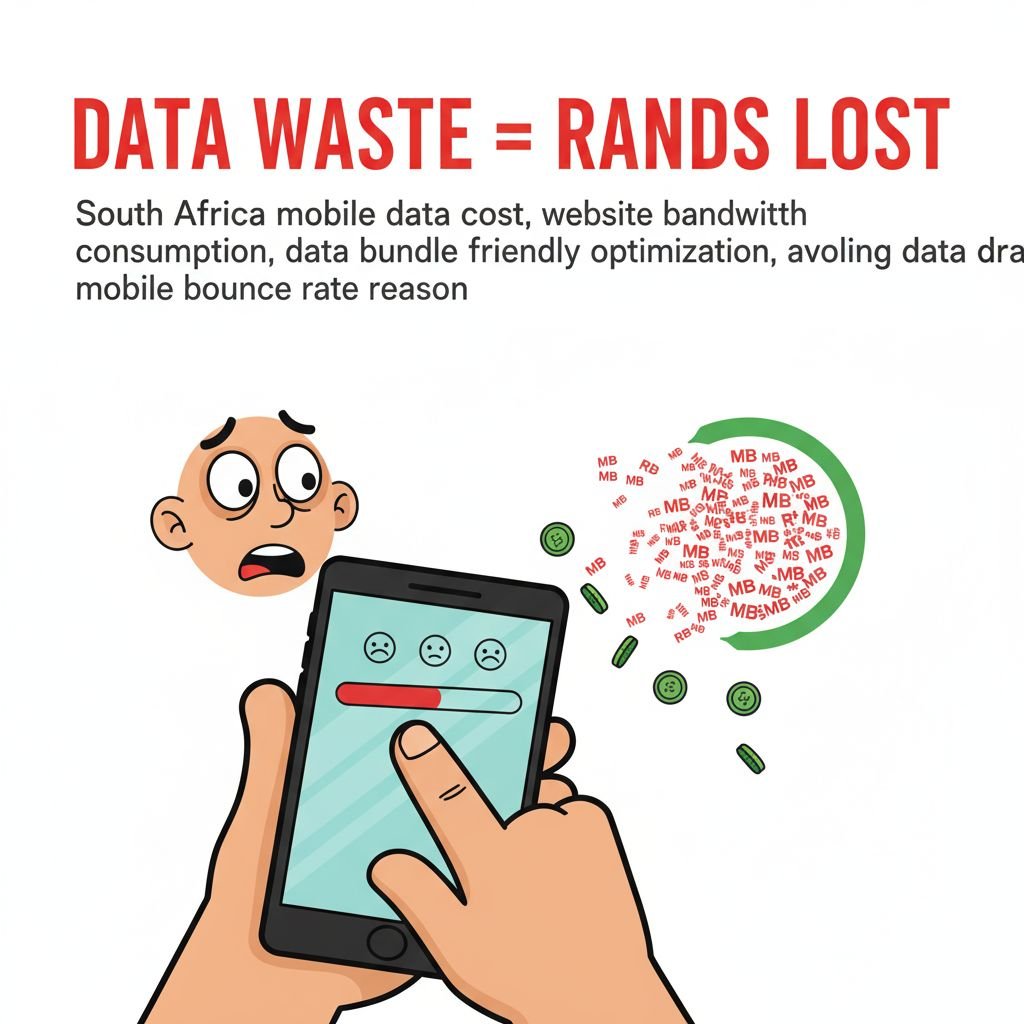
💸 The Mobile Data Drain: Why SA Customers Bounce Faster
In South Africa, customers are not just impatient; they are data-conscious. When a website is slow, the user sees two problems: time wasted, and data wasted. Every extra second of loading is consuming their precious data bundle, which costs Rands. The fear of an unoptimized site draining their airtime is a massive bounce-rate accelerator. This is the moral imperative behind every successful Mobile Website Speed Fix.
📊 The Core Web Vitals Reality Check
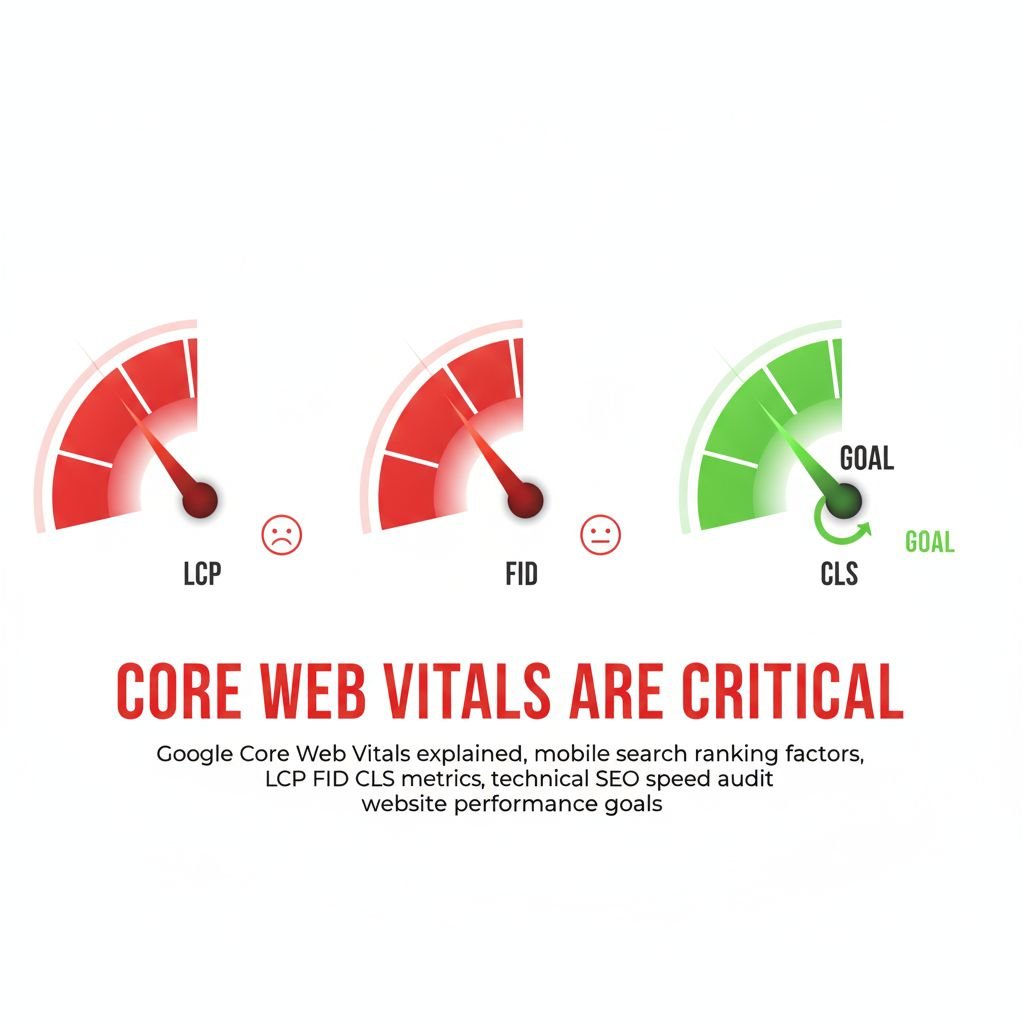
Google is now militant about speed and user experience, formalized in its Core Web Vitals (CWV) metrics. CWV (LCP, FID, CLS) heavily impacts your mobile search ranking. If your site is slow, Google penalizes you. Therefore, fixing your speed isn’t just about conversions; it’s about staying visible in search results.
- Largest Contentful Paint (LCP): Often caused by slow images (Fix 1).
- First Input Delay (FID): Often caused by too much JavaScript (Fix 2).
🤝 The Z Web&Co Guarantee: Turning Slow into Sonic
Implementing a holistic Mobile Website Speed Fix requires meticulous technical work—coding, server optimization, and image management. The DIY approach often leads to broken sites, conflicts, or accidental deletion of critical files. Don’t let a slow site be the reason you lose valuable mobile customers in South Africa. For guaranteed mobile speed, performance, and compliance with Google’s Core Web Vitals, start your professional website design Durban project today.
Z Web&Co specializes in providing the professional speed overhaul your South African business needs. We eliminate the guesswork by:
- Image Overhaul: We compress, convert, and implement lazy loading across your entire media library.
- Code Optimization: We minify code, defer non-critical scripts, and fix render-blocking resources.
- Local Hosting Strategy: We advise on and implement high-performance, low-latency local hosting and CDN solutions for the Mzansi market.
Don’t let the spinning wheel cost your business another sale. Contact the technical experts who guarantee speed, credibility, and conversion.
- Website: www.zwebandco.com
- Email: zwebandco@gmail.com
- WhatsApp/Call: 061 504 7939

🛠️ More Technical Deep Dive: The Plugins to Ditch
Sometimes, the simplest Mobile Website Speed Fix is subtraction. Many business owners use plugins that duplicate functionality or are simply too heavy for their purpose.
- Social Sharing Plugins: Many load massive external libraries. Use simple, custom code instead of heavy plugins.
- Slider Plugins: Image carousels are notorious for slow mobile performance. Replacing them with a single, optimized hero image often dramatically improves LCP.

🌐 The AMP Fallacy: Why It’s Not the Ultimate Fix
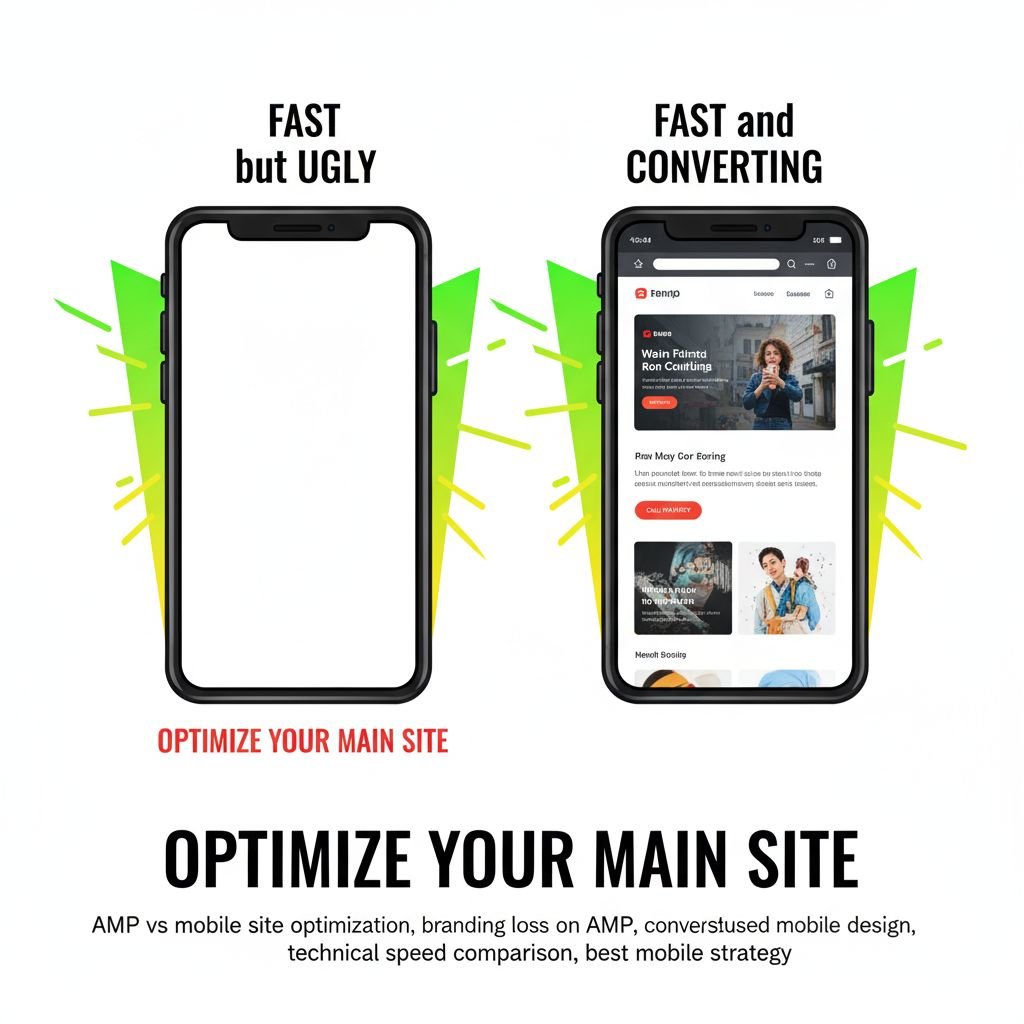
Some developers recommend Accelerated Mobile Pages (AMP) as the ultimate Mobile Website Speed Fix. While AMP pages load fast, they often strip out crucial branding, ads, and conversion elements. Therefore, AMP is often a poor choice for a business focused on branding and high conversion rates. The best solution is optimizing the main mobile site, not creating a separate, stripped-down version.
📈 PAA Structuring: Answering Mobile Speed Questions
The post is structured to hit key mobile speed queries:
- What is the fastest way to speed up my mobile website? (Answered in Fix 1: Image Compression and Lazy Loading).
- Why does my website load fast on desktop but slow on my phone in South Africa? (Answered in Fix 3: Latency due to hosting/no caching, and Fix 1: Unoptimized image files).
- How do I check if my website is fast on mobile? (Implied fix: Use Google’s PageSpeed Insights, mentioned in the CWV section).
- How much load time will customers wait on mobile? (Answered in the introduction: less than 3 seconds).

🎬 A Video Break: The Ultimate Guide to Web Performance
This video offers practical tips and tricks for improving website performance and speed, directly related to the principles of CWV and optimization.
🚀 Conclusion: The Race Belongs to the Swift
The spinning wheel of death is a signal: your business is losing the race. In the competitive, mobile-driven South African market, speed is the ultimate sales tool. By focusing on these three core Mobile Website Speed Fix areas—Images, Code, and Server—you protect your customer’s data, crush your bounce rate, and establish immediate digital credibility.
Furthermore, if you need a professional speed overhaul that guarantees results, contact Z Web&Co today.
Leave a Reply